Debugging
You have created a Backmesh API Gatekeeper and are ready to use it use one of the APIs. But when you start sending requests you get an error. What do you do?
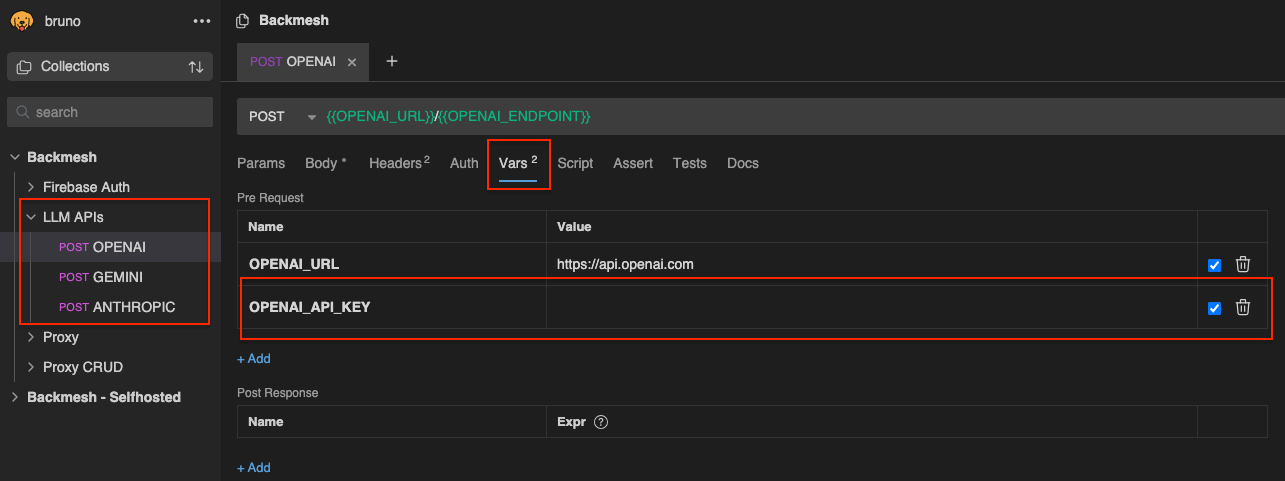
1. Make sure your API key is properly configured
Call the API directly to make sure your private key is properly configured using curl or a tool like Postman or Bruno. For the latter we have a predefined collection of requests defined for OpenAI, Anthropic and Gemini in our GitHub repo.
2. Make sure your JWT is valid and properly generated
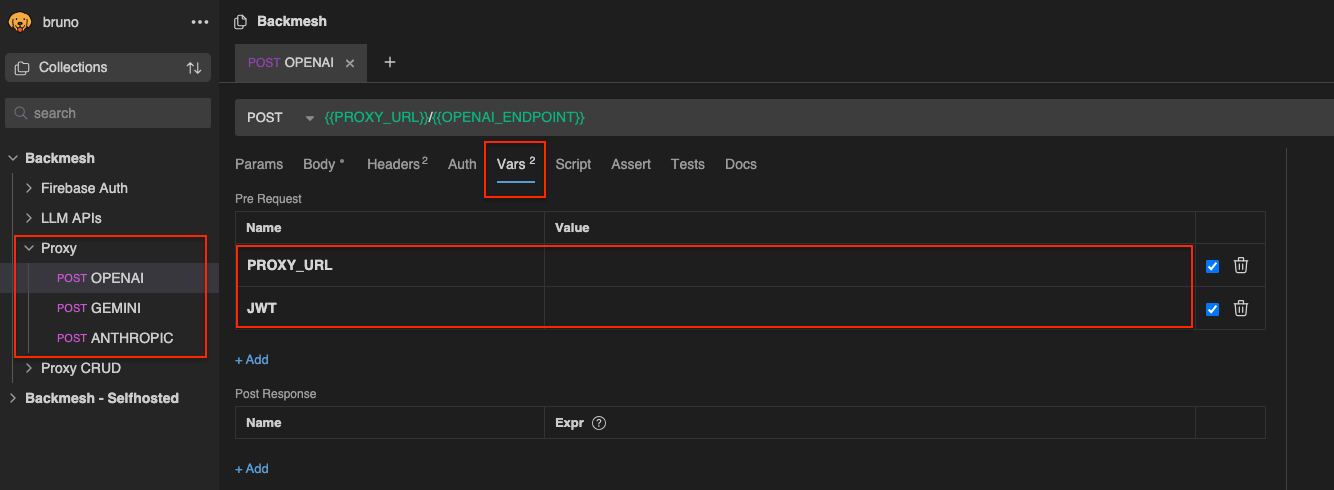
Create a test user with your authentication provider using email and password authentication. Then use the test user credentials to generate a fresh JWT using our generator tool for Supabase or Firebase. Now try to call the API via the JWT proxy using the generated token instead of the private key, and the JWT proxy URL instead of the API URL.
3. Make sure your SDK of choice is properly configured
Backmesh API Gatekeepers are compatible with any SDKs and app frameworks. Make sure your SDK is properly configured to let you override the base URL of the API with that of the Backmesh Gatekeeper. Check out our tutorials for examples on how to do this for different frameworks: